Attention: Interior Designers, Architects, Builders & Developers and Design Students
Stop Wasting Hours on Repetitive Drafting Get Professionally Curated, Pre‑Built Interior Design Drawings
Made for interior designers and architects. Editable layers, consistent line weights, clean dimension styles, and ready-to-plot CTB for crisp prints

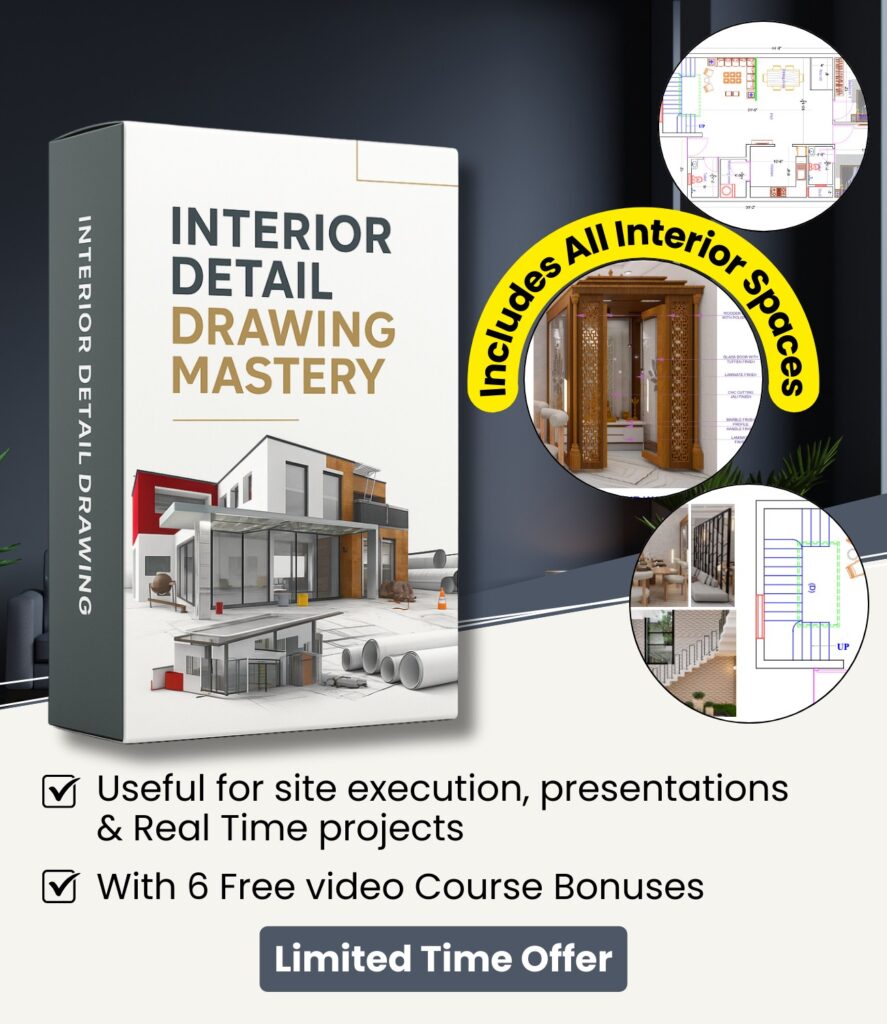
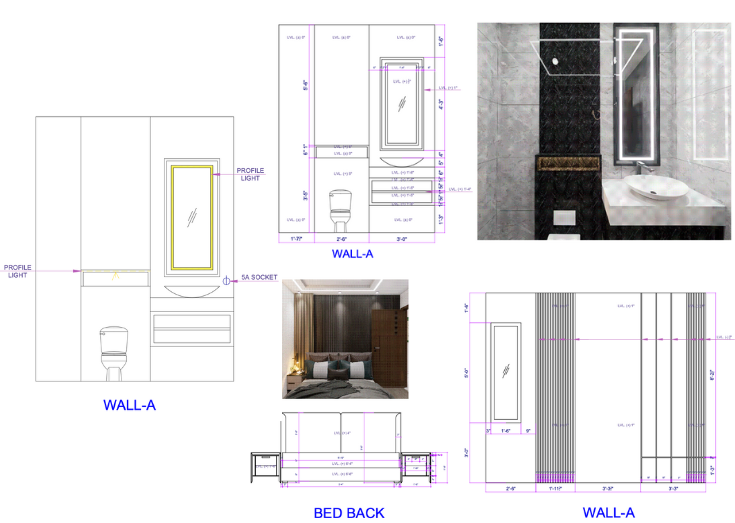
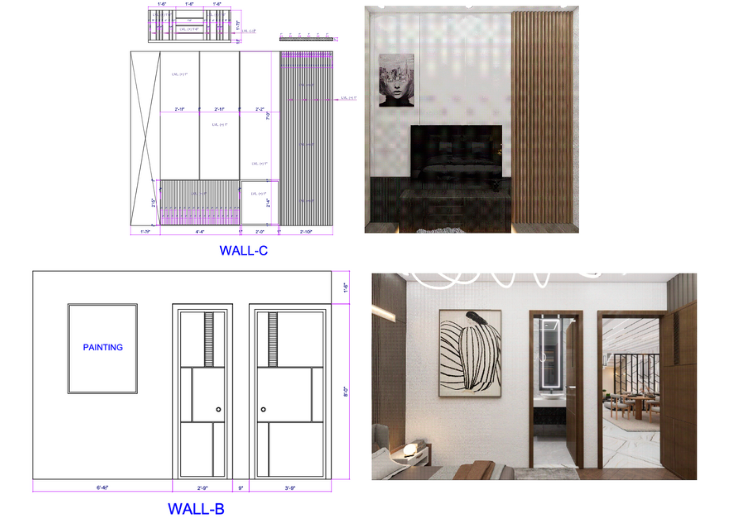
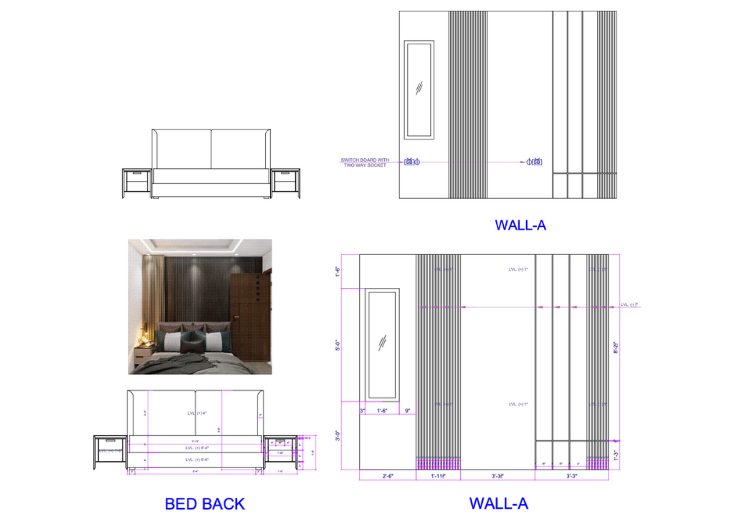
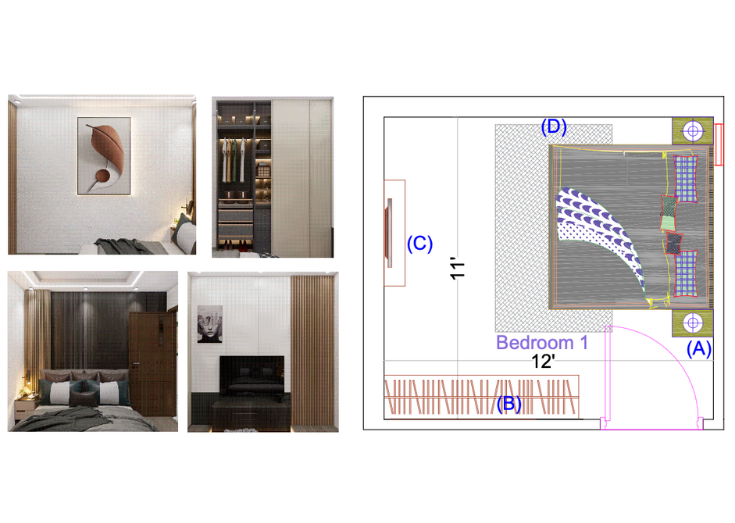
Complete Bedroom & Living Layouts functionality & space-efficient detailed drawing
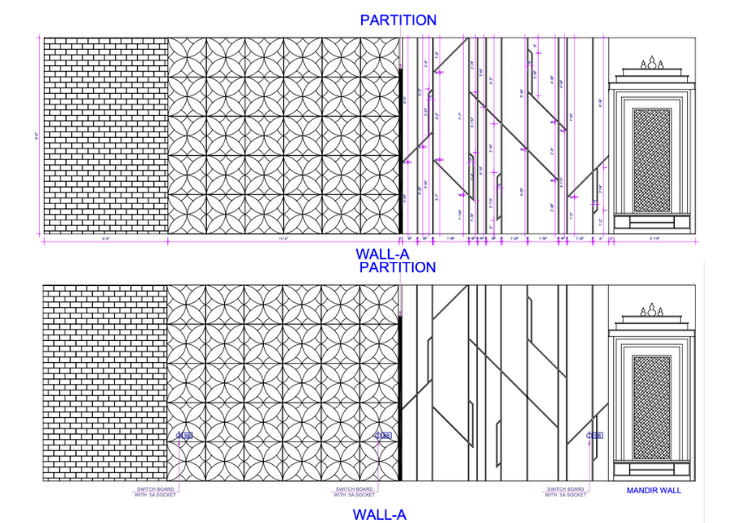
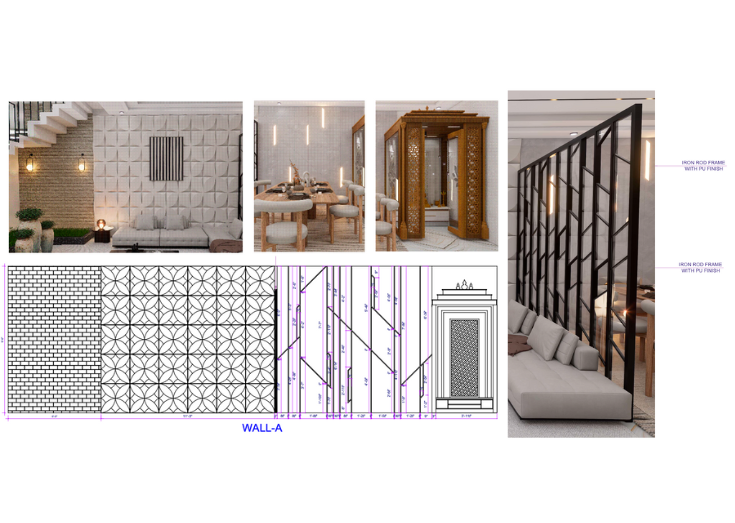
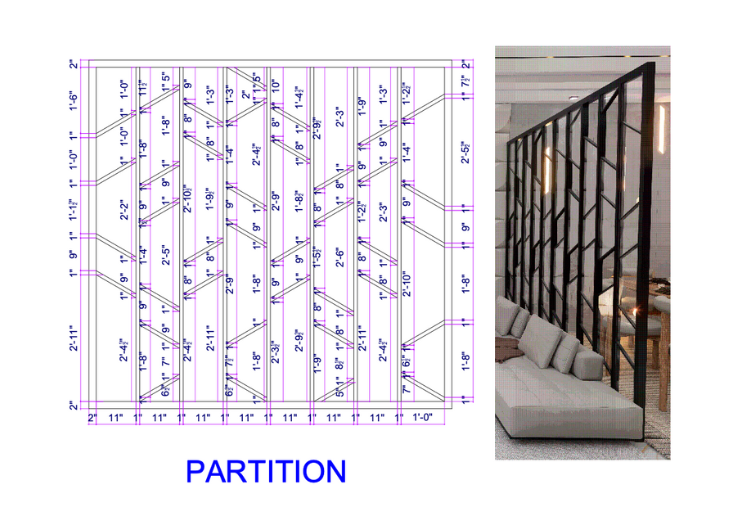
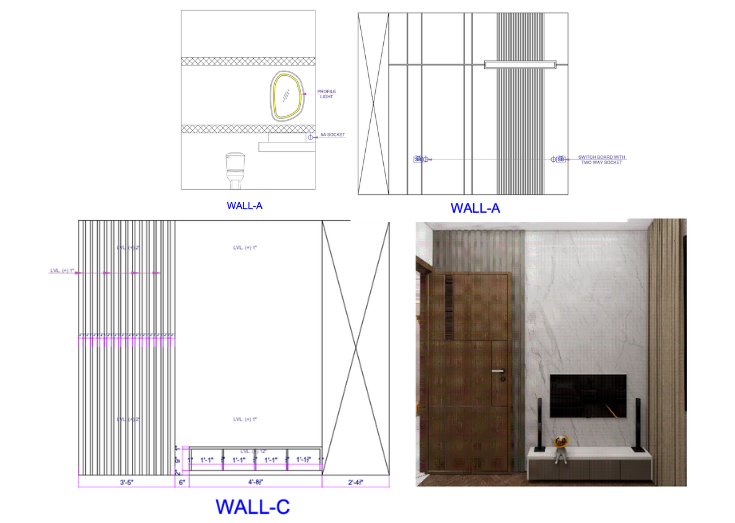
Smart Design Drawing for TV units, wall panels, and partitions that stand out.
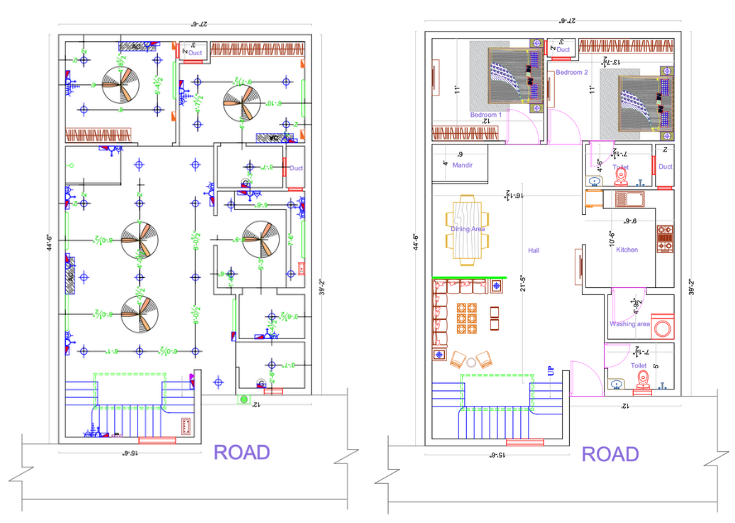
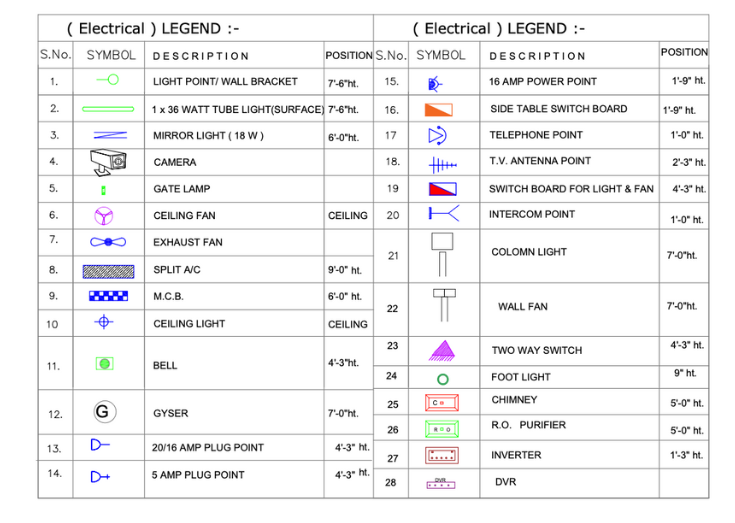
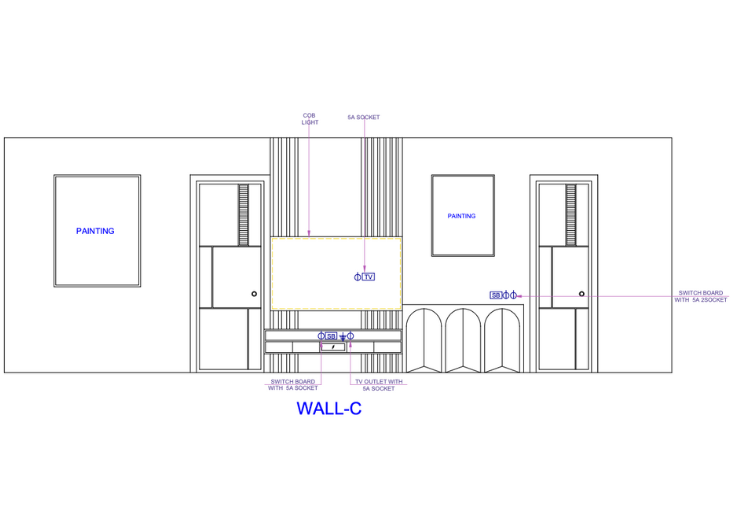
Lighting and Electrical Drawings Designed for clarity, accuracy, and smooth execution.
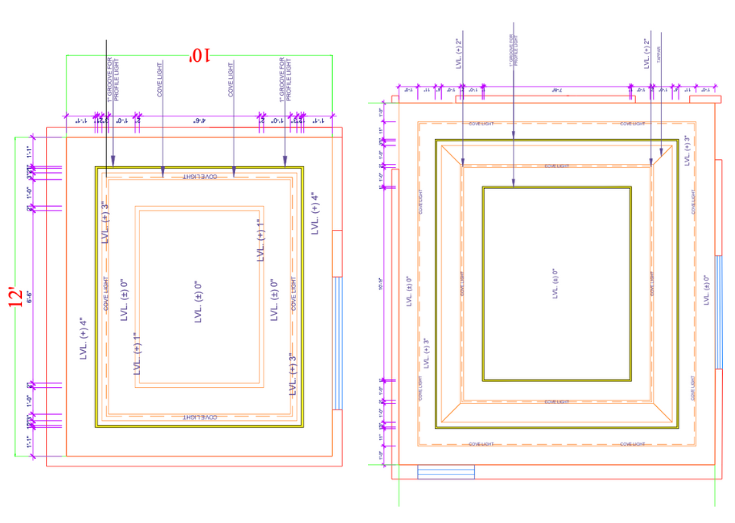
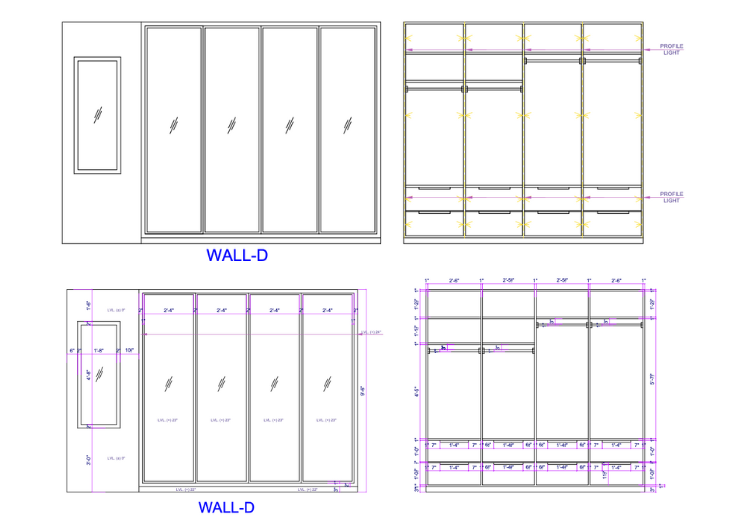
False Ceiling and Wardrobe Details for precise fitting and fast on-site installation.
Elegant Mandir Drawings Details balancing tradition and modern design styles.
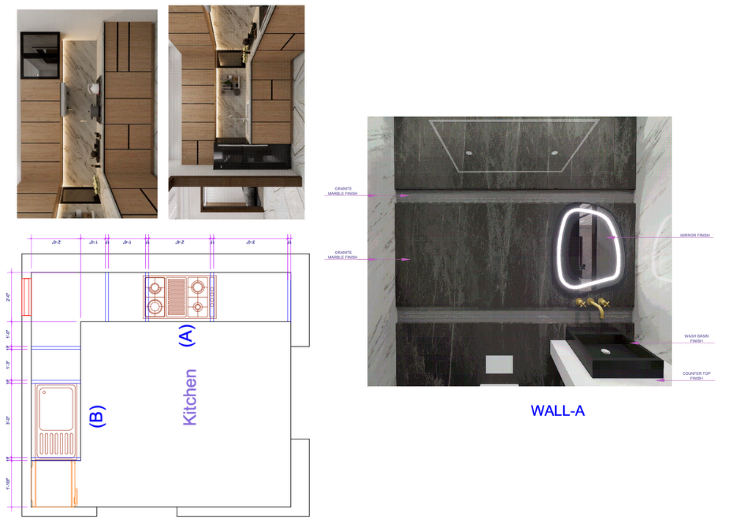
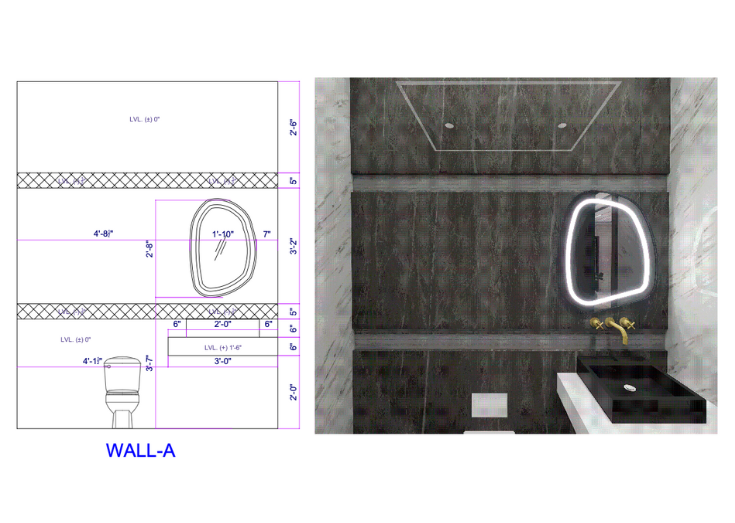
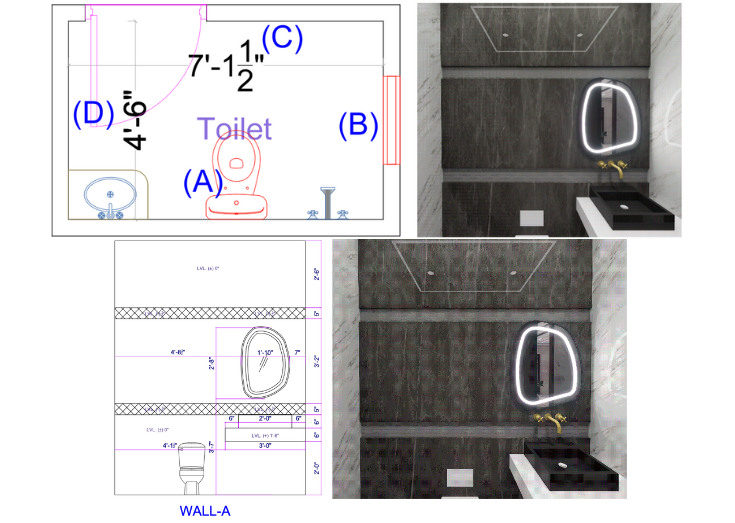
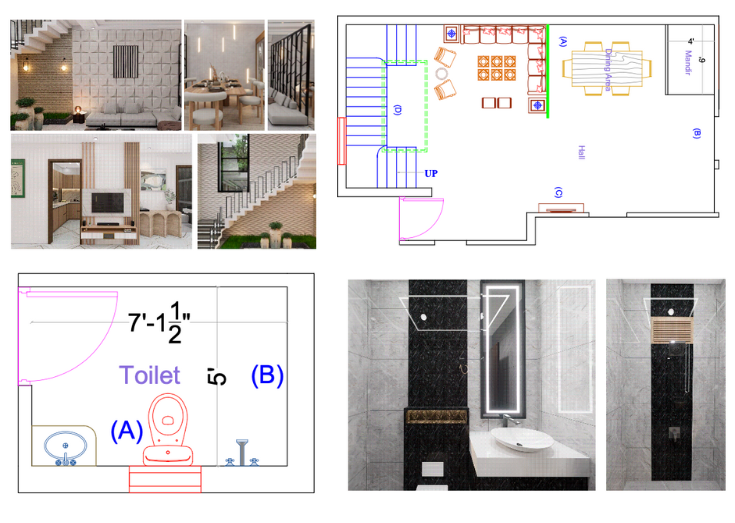
Ready-to-use Bathroom Interior Drawings with plumbing, tiling, and fixture details for seamless site coordination.
Flooring and finish layout Designs that simplify material planning and ensure precise execution across rooms.
Today Special offer @ ₹1999 ₹696/-
Lock in the Best Price Before It Increases "Act Now"!
Do you also face these Challanges?
What’s Slowing You Down-and How It’s Costing You Time, Money, and Clients.
Time Consuming
Instantly access editable templates for all major house sections—drawing rooms, kitchens, bedrooms, wardrobes, ceilings, and custom features—eliminating the need to start every detail from scratch.
Quality Inefficient
Templates are built to industry standards with correct layering, line weights, and annotation styles for error-free work and great visual impact in client presentations.
Hardly Implementation
These files turn complex site coordination into a streamlined process, reducing RFIs and clarifications during construction with clear instructions for contractors and vendors.
Project Losses
Present quick, sophisticated options to clients and stakeholders, showcasing design expertise while meeting tight deadlines and customizing layouts as needed
Costly Mistakes
Included details prevent rework and budget overruns by ensuring every element—lighting, cabinetry, ceilings, electrical—is mapped out precisely and ready for execution.
Hamper Team Work
Everyone on the design and site teams uses the same standards, resulting in faster approvals, fewer revisions, and a smoother workflow across the board.
Today Special offer @₹1999 ₹696/- Only
Lock in the Best Price Before It Increases "Act Now"!
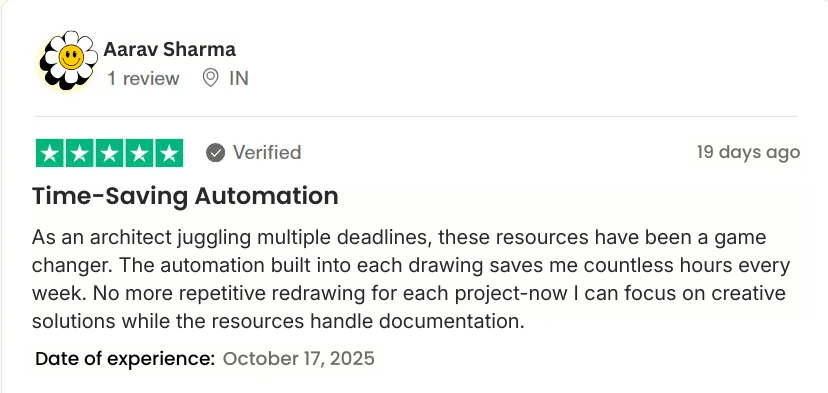
What Are Others Already Saying About This "Interior Detail Drawing Resources"




Today Special offer @ ₹1999 ₹696/-
Lock in the Best Price Before It Increases "Act Now"!
What's In the Store For You
Explore the Ultimate Collection of Resources to Streamline Interior Design Drawing and Drive Project Growth.

1. Living Room & Lounge Detailing Pack
Get precise layouts, stylish elevation options, and finish schedules that make your dream living area easy to create and build.
These detailed drawing room design files offer every modern designer and homeowner a shortcut to impressive, guest-ready spaces-without the guesswork.
Transform first impressions and set the perfect tone for any home.

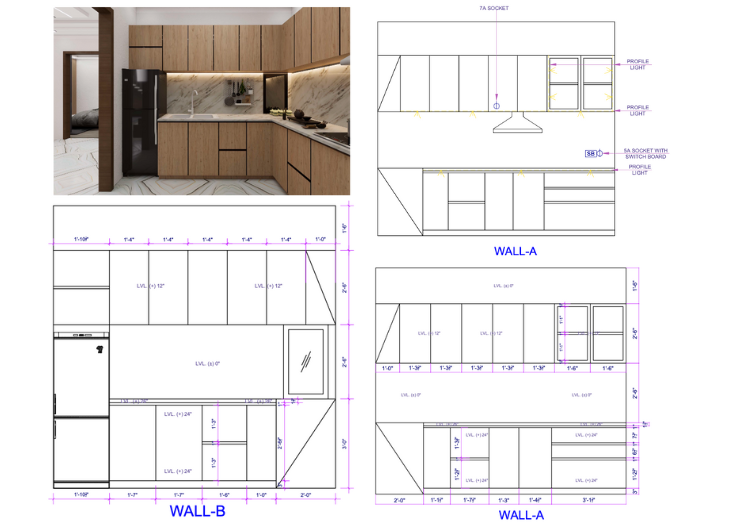
2. Modular Kitchen Working Drawings Set
Experience the ease of quick, error-free kitchen makeovers.
The included kitchen working drawings deliver exact modular layouts, appliance zones, and detailed joinery-ensuring contractors get it right the first time.
No more costly mistakes or late-night clarifications-just seamless execution from 2D plan to stunning reality.

3. Bedroom & Lounge Layout Templates
Deliver comfort and style with expert-level accuracy for bedrooms and halls.
These editable drawings unlock a wide range of functional furniture layouts, wardrobe positioning tips, and feature wall treatments.
Give clients the freedom to visualize every inch while giving teams the documentation they need to work fast and confidently.

4. Feature Wall, TV Unit & Partition Details
Win projects and streamline execution with ready-to-use detail templates for TV units, wall panels, and room partitions.
Show clients innovative options, standardize fabrication, and ensure flawless coordination across contractors.
Make feature walls and custom storage stand out-without starting from scratch for every project.

5. Lighting & Electrical Plan Templates
Deliver ambiance and safety with professional lighting and electrical plans.
These drawings include switchboard locations, fixture placements, and power layouts-cutting down site errors and making electrical work seamless for every room.
Reliable, installer-ready files help you finish on schedule, every time.
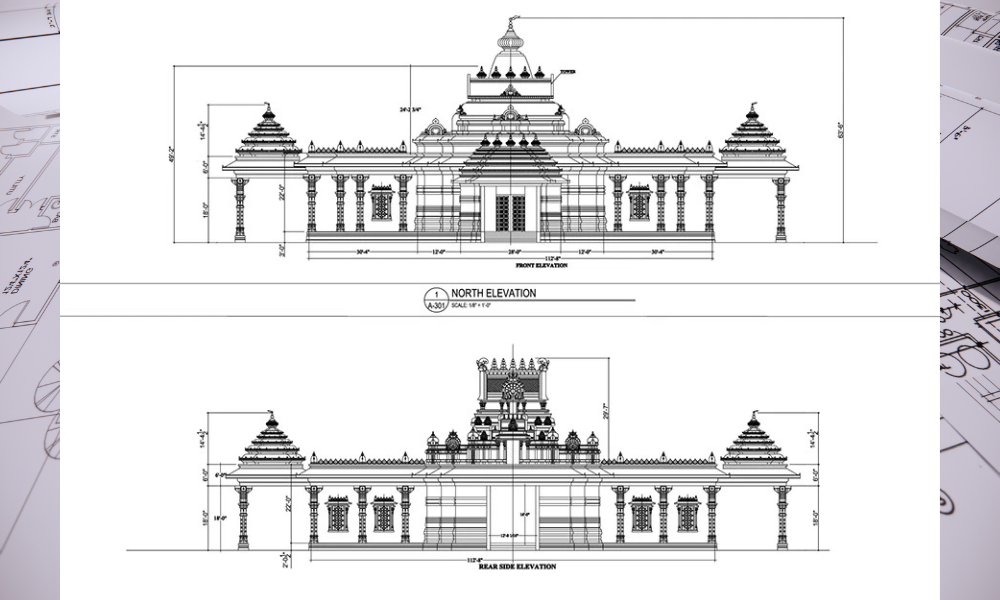
6. Mandir (Prayer Space) Drawing Collection
Celebrate tradition with flawless, Vastu-compliant mandir (prayer room) designs.
This dedicated drawing template takes care of every religious and spatial requirement-blending devotion and design into clear, buildable plans for modern Indian homes.
Reliable, installer-ready files help you finish on schedule, every time.
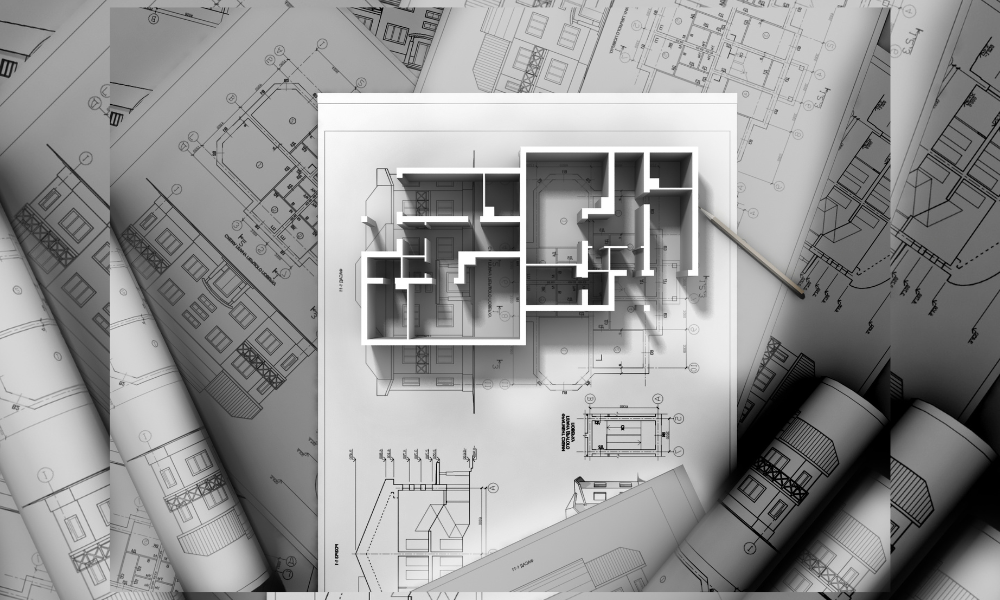
7. False Ceiling, Wardrobe & Elevation Set
Get a competitive edge and faster approvals with instant access to detailed false ceiling patterns, wardrobe internals, and wall sectional drawings.
Impress clients and reduce site queries with clear, visually compelling sheets that eliminate ambiguity and keep every phase moving smoothly.
Reliable, installer-ready files help you finish on schedule, every time.
Today Special offer @ ₹1999 ₹696/- Only
Lock in the Best Price Before It Increases "Act Now"!
Why Choose These Interior Drawing Templates?
Work Smarter, Not Harder-Because Precision, Speed, and Professionalism Matter.
Are You Facing The Same Problems
- Repetitive, time-consuming drafting
- Wastes hours on similar house sections each project
- Documentation errors & inconsistencies
- Site mistakes, client disputes, cost overruns
- Poor collaboration & version control
- Confusion among team/ contractors, duplicated effort
- Manual scaling limitations for business
- Can’t take on more work without hiring or drop quality
- Adapting to digital (CAD) workflows
- Slower adoption, steep learning curve
- Unclear or incomplete site instructions
- Site queries, delays, disputes with vendors
Now You Don't Have
- Instantly import, edit, and use ready-made DWG/PDF details
- Save time, deliver more projects, focus on creative tasks
- Industry-standard, pre-checked drawings reduce errors
- Fewer site queries, faster approvals, reduced rework
- Shared, editable templates keep everyone updated with one unified standard
- Smooth teamwork, easier coordination, clear project direction
- Templates allow fast project turnarounds without extra staff
- Grow client base without sacrificing results
- Templates are CAD-ready and easy to modify-even for less-experienced users
- Quick onboarding, beginner-to-expert friendly
- Clear, professional layouts for every major zone (kitchen, hall, bedroom
- Fewer site issues, better vendor/contractor alignment
Today Special offer @ ₹1999 ₹696/- Only
Lock in the Best Price Before It Increases "Act Now"!
Unlock 6 Premium Bonus Courses With Your Detail Drawing Pack
Master the interior business, theory, and software of interior design with step‑by‑step training

1. Interior Design Business Mastery Course
Understand real challenges in interior design so you stop guessing and start planning with clarity-pricing, scope, timelines, and difficult clients.
Learn exactly how to handle clients from first inquiry to final payment, with scripts, boundaries, and systems that earn respect and repeat work.
Master site execution without chaos using practical checklists, communication habits, and workflows that keep contractors and vendors aligned.
Discover real career and job paths in interior design so you know how to position yourself—freelancer, studio owner, or high-value team member.
Build a brand that clients trust by learning how to present, follow up, and deliver documentation that looks “top-studio” level.

2. Interior Design Theory Essentials Course
Learn wallpaper, wooden flooring, hinges, wall PVC, and laminates so you choose the right materials for durability, cost, and aesthetics, not just looks.
Understand indoor and landscape plants to add life and balance to your spaces while avoiding common maintenance mistakes.
Vastu, colour theory, and Gestalt theory explained simply so you can justify every design decision with strong logic—not guesswork.
Master the basics of interior design and paint selection to create cohesive concepts clients instantly connect with.
Go beyond residential: lectures on mall design and history of furniture give you a deeper, big-picture understanding of design across time and typologies.

3. Software Training – AutoCAD Course
Learn AutoCAD specifically for interiors, not generic drafting, so every command you use moves a real project forward.
Set up professional layers, line weights, and templates that match industry standards and plug perfectly into your detail drawing library.
Create plans, elevations, sections, and details with speed and accuracy—no more messy, confusing files.
Discover time-saving shortcuts and workflows so you spend less time clicking and more time designing.
Hand over drawings that contractors actually understand, reducing site errors and endless clarifications.

4. 3D Software Training – SketchUp Course
Turn 2D plans into 3D models quickly so clients “get it” in one look and approve faster.
Learn a clean, interior-focused SketchUp workflow that avoids heavy, laggy files and keeps your models organized.
Build detailed rooms, furniture, and custom elements so your visuals look close to final execution, not just rough blocks.
Use textures, components, and plugins smartly to speed up modeling while maintaining accuracy.
Create views that are perfect for presentations, PDFs, and social media, helping you market your work effortlessly.

5. 3D Software Training – V-Ray Rendering Course
Understand lighting, materials, and cameras in V-Ray so your renders feel real, not “computer generated.”
Build a simple, repeatable rendering pipeline from SketchUp model to final image that you can use on every project.
Create mood-driven visuals —warm, cozy, luxury, minimal—so clients emotionally connect with your design.
Use practical presets and settings that give high-quality results without wasting hours on trial and error.
Upgrade your portfolio overnight with renders that look agency-level, attracting higher-paying, more serious clients.

6. 3D Software Training – Lumion Course
Transform static models into dynamic walkthroughs so clients can literally “walk through” their future space before construction.
Learn Lumion’s interface, effects, and rendering settings in a structured, beginner-friendly way.
Add realistic lighting, people, plants, and movement to make your presentations feel like real-life footage.
Export videos and stills that are perfect for client meetings, marketing, and social media-no external editor needed.
Make faster design decisions by previewing different options in motion, not just in still images.
Today Special offer @₹1999 ₹696/- Only
Lock in the Best Price Before It Increases "Act Now"!
Who Will Get Benefit From These Resources?
Unlock a Faster, Smarter Workflow-Designed For Every Interior Professional.
Interior Designers
Freelancers and firms responsible for space planning, aesthetics, and detailing
Save time, maintain standards, deliver high-quality visuals
Architects
Professionals and studios designing overall buildings and interiors
Ensure design intent is clearly communicated for execution
Builders & Developers
Organizations managing multiple housing or commercial projects simultaneously
Standardize and accelerate delivery across projects
Design Students
Learners and trainees tasked with producing professional-quality documentation
Learn standards, deliver polished results, build portfolios
Civil/Construction Engineers
Site engineers and project managers handling fit-out and execution on the ground
Reduce errors, coordinate accurately with design intent
Contractors & Vendors
Firms responsible for fabrication, joinery, false ceiling, electrical, and installation work
Rely on detailed, clear templates to avoid mistakes
Interior Designers
Freelancers and firms responsible for space planning, aesthetics, and detailing
Save time, maintain standards, deliver high-quality visuals
Architects
Professionals and studios designing overall buildings and interiors
Ensure design intent is clearly communicated for execution
Builders & Developers
Organizations managing multiple housing or commercial projects simultaneously
Standardize and accelerate delivery across projects
Design Students
Learners and trainees tasked with producing professional-quality documentation
Learn standards, deliver polished results, build portfolios
Civil/Construction Engineers
Site engineers and project managers handling fit-out and execution on the ground
Reduce errors, coordinate accurately with design intent
Contractors & Vendors
Firms responsible for fabrication, joinery, false ceiling, electrical, and installation work
Rely on detailed, clear templates to avoid mistakes
Today Special offer @ ₹1999 ₹696/- Only
Lock in the Best Price Before It Increases "Act Now"!
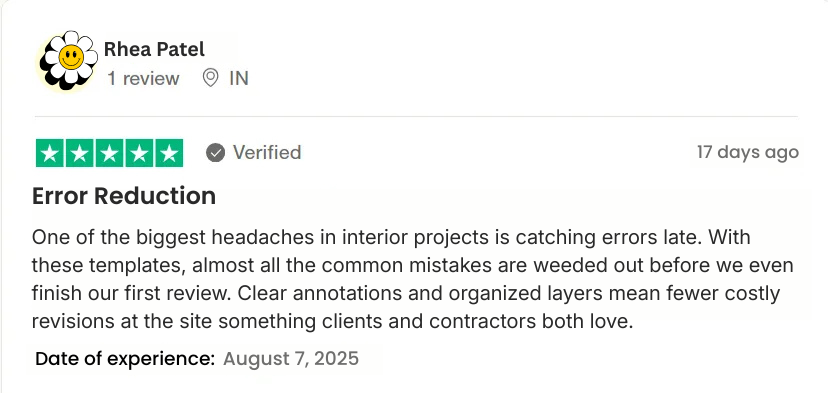
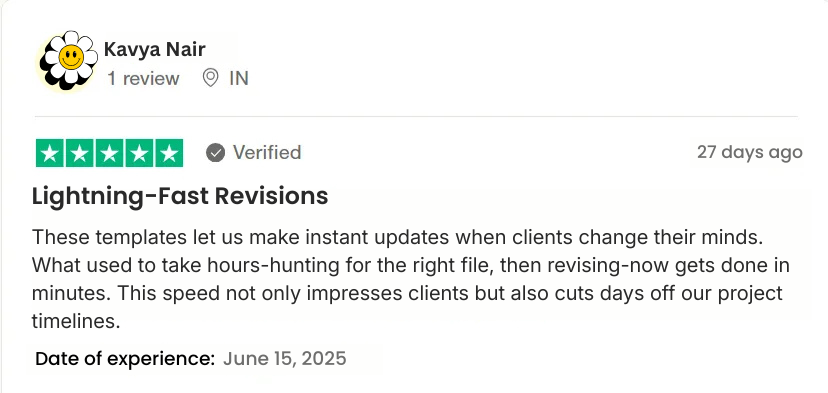
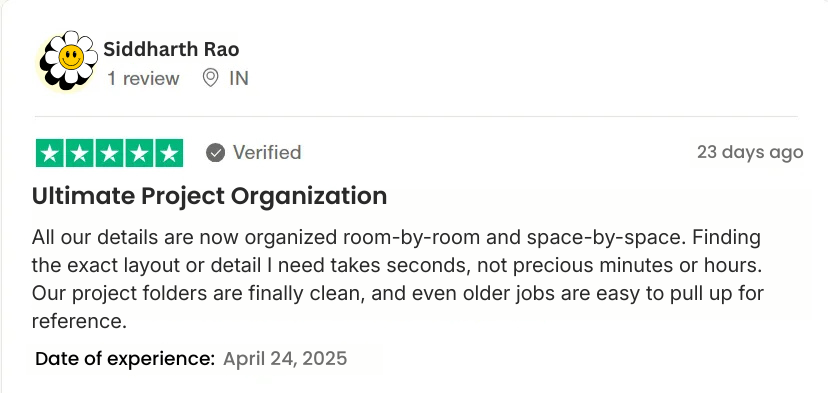
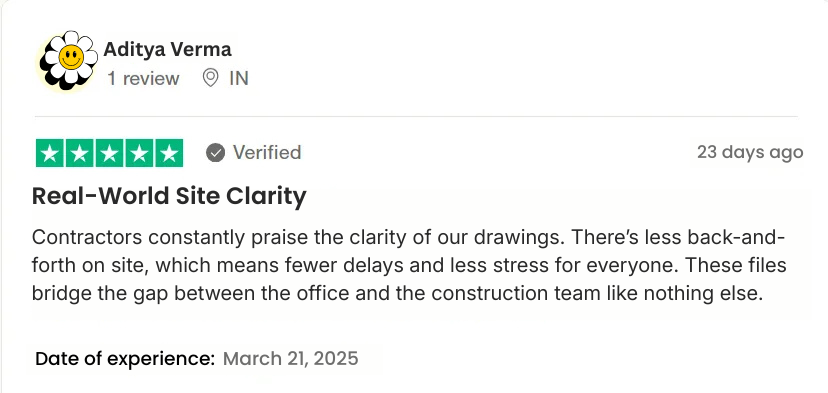
See what other Interiors, Architects & designers are saying…


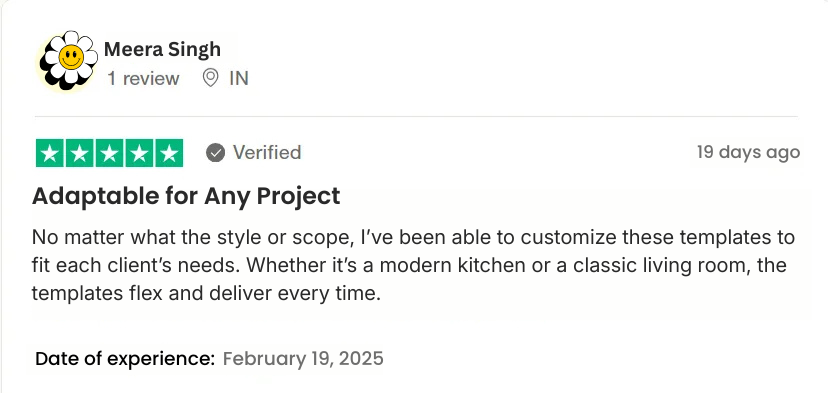

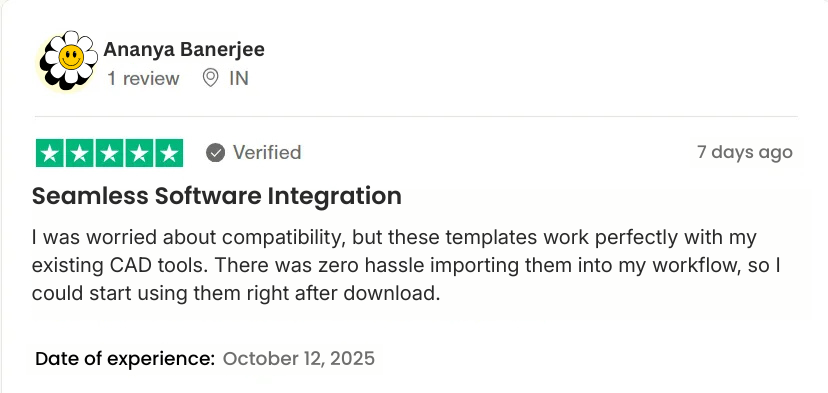
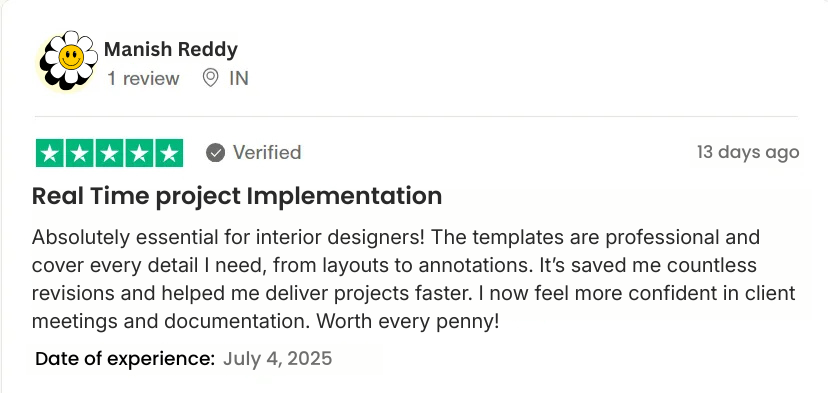


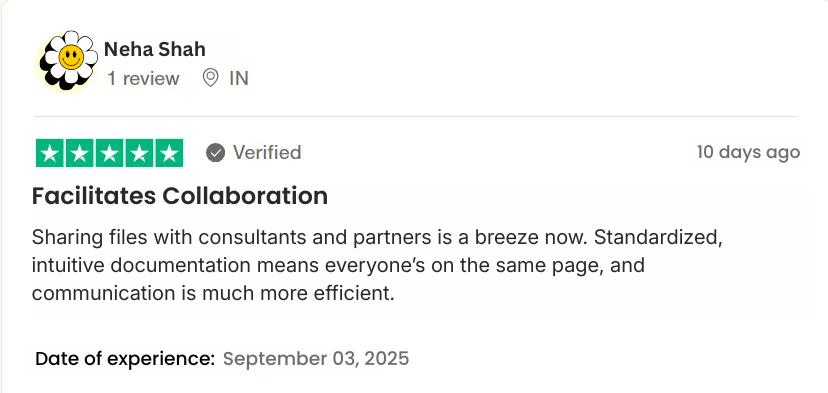

Today Special offer @ ₹1999 ₹696/- Only
Lock in the Best Price Before It Increases "Act Now"!
Download Instantly:
Download the file form the mail you have entered at the time of purchase.
Customize with Ease:
Open in CAD - Adjust dimensions, materials, & notes to match your project’s needs
Deliver & Execute:
Export polished, professional drawings directly every time.
Frequently Asked Questions
You’ll receive a complete library of editable DWG and PDF templates for all major interior sections-drawing rooms, kitchens, bedrooms, wardrobes, ceilings, lighting layouts, mandirs, and more. Each is fully editable, standardized, and ready for immediate use in professional projects.
Yes. All files are provided in standard DWG format, compatible with AutoCAD and other CAD programs like BricsCAD, DraftSight, and Revit (for import/reference). PDFs are also included for quick print or markup.
Absolutely. The templates are beginner-friendly and follow professional drafting standards—perfect for students, freelancers, and new firms learning efficient layout workflows.
Yes. The designs and section details are suitable for both residential and small-scale commercial interior projects. You can easily adapt dimensions and annotations to match your client’s scope.
Of course. Every element—text, dimension, layers, and materials—is fully editable. You can update finishes, change standards, or add your custom blocks to suit your unique style.